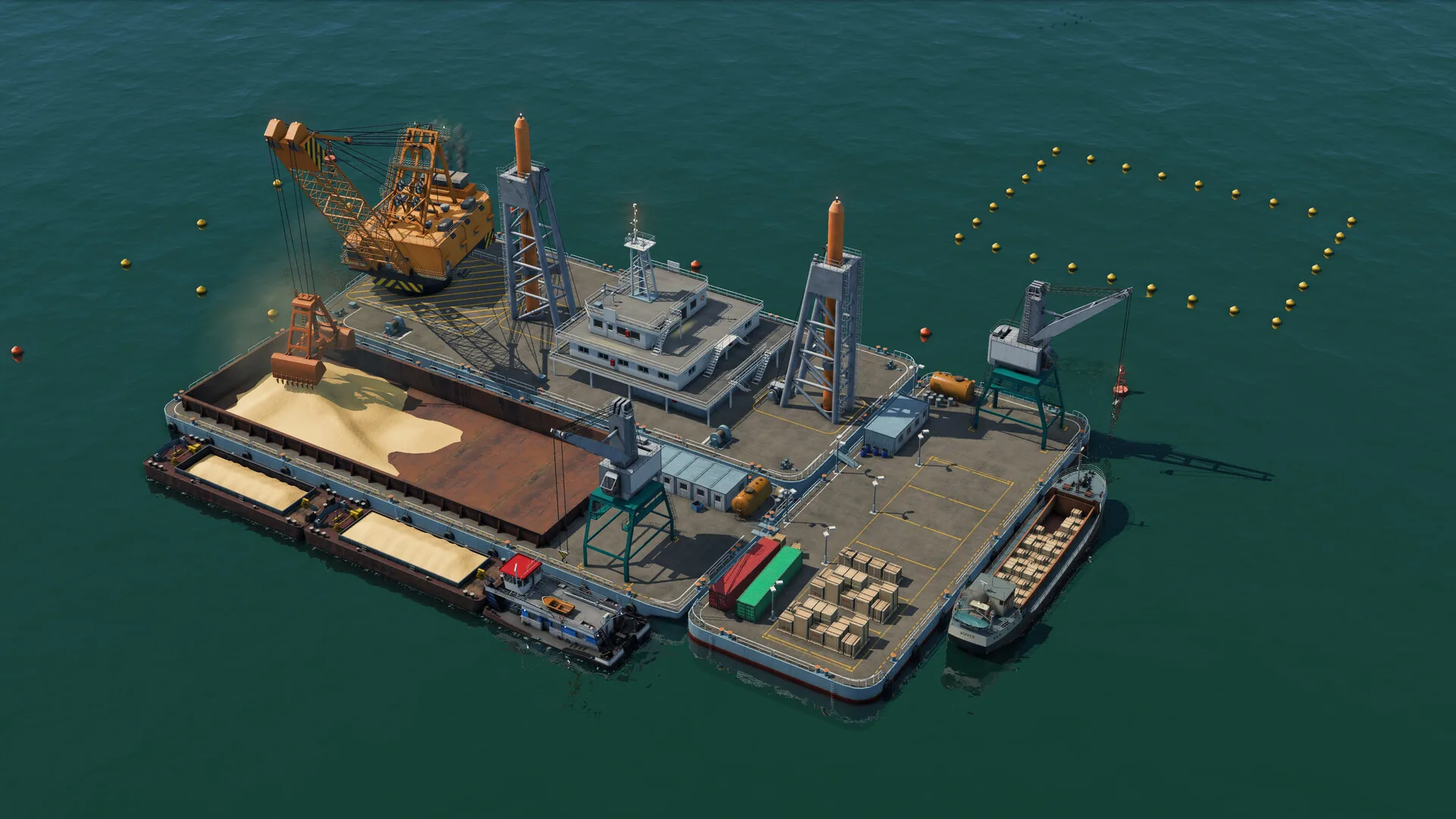
An offshore barge with cranes, sand and fish cages — a historic-looking water job.
Transport Fever 3 campaign is eight historic missions. The official FAQ states that count and that the first part is the tutorial. Mission names, maps and year stamps are not published. The mode sits beside tycoon, sandbox and the map editor rather than replacing them.
Play the campaign when you want the tycoon tools taught in order: deliveries, liveability, and the new carriers. It is a separate mode from sandbox and from a free tycoon map. Finishing it is not described as unlocking Deluxe vehicles; those sit on the edition you bought.
The eight scripts use the same cargo classes, vehicle families and liveability sliders as a free tycoon map. Early years lean on wagons, steam and paddle-steamers; later scripts can show high-speed rail and helicopters when the mission year reaches them. Deluxe models still come from the edition you bought, not from ticking a mission checkbox.
The campaign is the tutorial
Urban Games put the tutorial inside the first campaign missions instead of as a separate classroom map. That means the eight historic settings are where you first meet cargo classes, town reputation and the new helicopters or cargo trams, depending on which mission the launch build actually opens with. Because names are unpublished, the campaign cannot order those lessons beyond 'the opening missions teach the tools'. Expect horse wagons and steam in the early scripts and later-era machines only when the mission year reaches them.
Treat each mission as a scripted transport-history scenario with a goal, not as a sandbox you can keep. Map editor and tycoon maps are the places to rebuild the same idea without a script. If a mission uses offshore fishing cages or an oil deck, the industries page is the systems reference; the campaign still will not name the factory. The same four cargo classes apply inside those scripts.
PCGamesN and other launch-week write-ups exist, but their mission titles are not Urban Games names. The FAQ repeats the FAQ: eight missions, historic settings, opening missions are the tutorial. When Urban Games posts an official list, those names can become slugs. Until then, no fake 1910s chapter list.
What carries into tycoon
The campaign uses the same vehicle classes, cargo handling rules and sliders as tycoon. Completing a scripted goal does not, in Urban Games, grant a permanent headquarters perk for free tycoon maps. Learn the loop: match class to cargo, keep wait times and nuisances from wrecking reputation, then spend profit on infrastructure rather than on paving over housing.
Historic settings run through the 1900 to 2030s timeline the FAQ gives the whole game. Early missions should feel like wagons, steam and paddle-steamers; later ones can show high-speed rail and helicopters. That era spread is the same promise as the sandbox, compressed into eight scripts.
There is no multiplayer campaign and no co-op briefing. Steam categories list single-player, full controller support and a level editor. If you want to share a custom historic map, that is the map editor plus the mod.io browser, not a campaign slot you upload over. Controller support on a pad does not add a second player to a mission.
When to skip straight to tycoon or sandbox
Skip the campaign if you already know the series and you only want the new helicopters, cargo trams and sliders on a generated map. Sandbox can disable the economy; tycoon keeps the demanding defaults. The campaign is for players who want the tutorial wrapped in historic goals.
Do not skip it expecting a named roster at the end. The eight missions will not publish the 275 vehicle names or the 37 cargo names. They will show the systems. Come back to the vehicles and cargo pages when you need the class table. Steam still lists a level editor as a separate tool, so a finished campaign is not the only way to get a historic-looking map.
If you are here for Deluxe models, buy Deluxe and play whichever mode you like; the campaign FAQ does not gate Concorde behind mission eight. Collector's is physical merch plus a Deluxe key, not a ninth mission. Pre-order Queen Mary, the Great Pyramid and the Asian elephant also attach to the edition, not to a campaign checkbox. Steam still lists a level editor beside campaign, so a finished mission is not the only historic map you can keep. Deluxe vehicles stay tied to the edition SKU if they appear in a scripted year. Reputation, noise and cargo classes still apply inside those scripts, so a late fish delivery can stall a town the same way it does in tycoon.
Frequently asked questions
What are the eight campaign mission names?
Urban Games has not published them. The FAQ only states that there are eight historic missions and that the first part is the tutorial. Wait for an official list before treating any mission title as a URL. Historic settings span the same 1900 to 2030s window as the rest of the game, but without named chapters you cannot bookmark a year.
Is the campaign required to unlock helicopters?
No Urban Games text gates helicopters, cargo trams or Deluxe vehicles behind campaign completion. Helicopters and cargo trams are base-game classes. Deluxe extras come from the edition you purchase. The campaign teaches the tools; it is not described as a loot ladder.